 kovaa
kovaa9:41
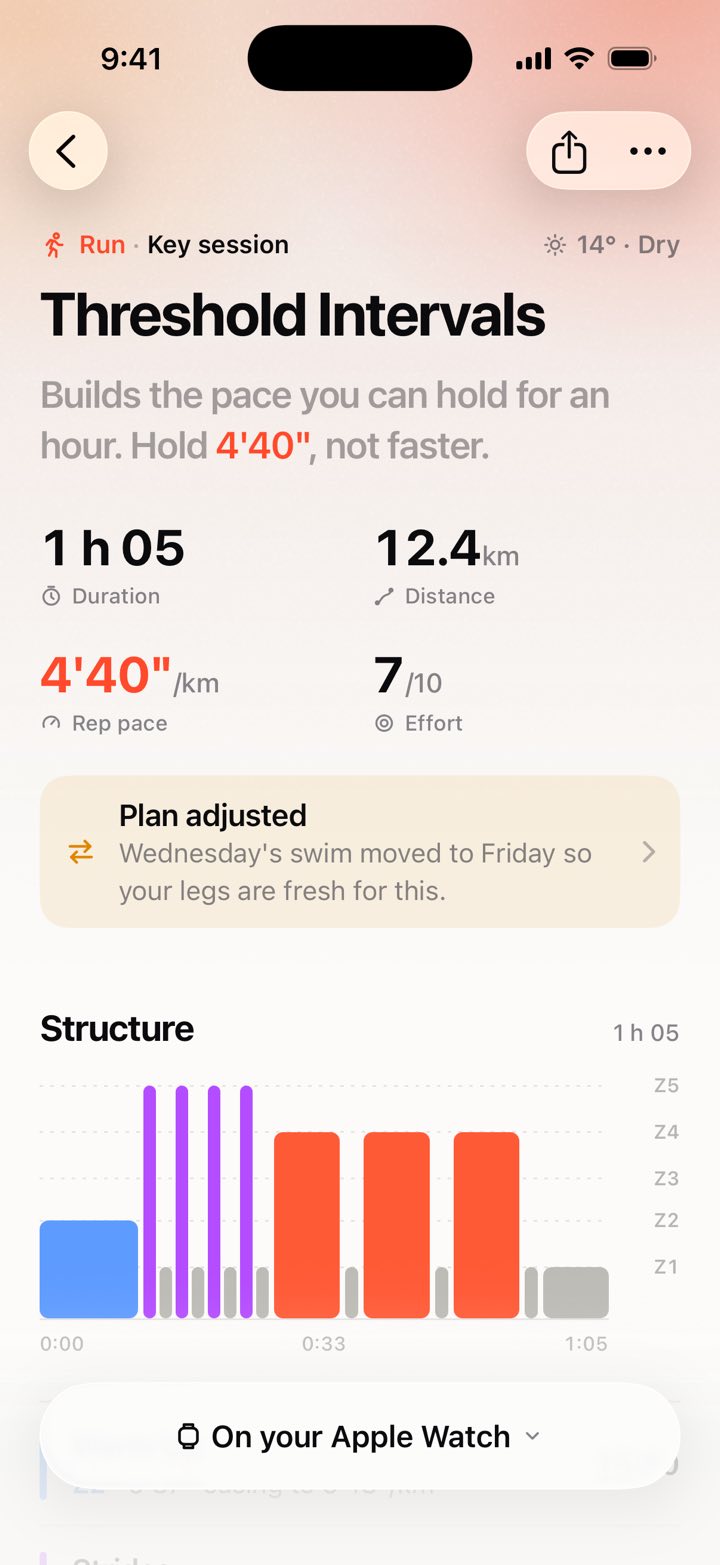
Threshold Intervals3 × 10 min · 4'40"StartApple Watch
Your workouts on your Apple Watch.
kovaa puts your runs, rides and pool swims in the Workout app on your Apple Watch. When you finish, the result comes back on its own.
Updated
The next seven days are already on your Watch.
- kovaa plans the weekEvery session gets its steps and targets from your thresholds.
- It shows up in the Workout appThe next seven days of runs, rides and pool swims, ready to start.
- You trainYour Watch takes you through each step with pace, power or heart-rate targets.
- The plan catches upYour workout comes back through Apple Health, and kovaa adjusts the week if it needs to.
Questions
Do I need a separate kovaa app on my Watch?
No. kovaa puts your sessions straight into the Workout app that's already on your Watch, using Apple's WorkoutKit.
Which workouts go to the Watch?
Run, bike and pool swim sessions for the next seven days. Strength sessions stay on your iPhone, where you log them in kovaa.
How does kovaa get my completed workout?
When you finish, the Workout app saves it to Apple Health. kovaa picks it up from there, matches it to the planned session, and adjusts the plan if it needs to.
Do I need a Garmin or a chest strap?
No. Your Apple Watch handles heart rate, pace and distance. If you ride with a bike computer or power meter, you can import its FIT, GPX or TCX files.